
TL;DR
- Bolt.new is the only major vibe-coding platform where adding payments starts in Settings → Stripe, not a chat prompt: paste a test key, retrieve products, then prompt “Add payments” so Bolt generates Supabase Edge Functions against real Stripe price IDs.
- Stripe is the only processor with native first-class support; there is no Paddle toggle and no paid Bolt plan gate for Stripe (Bolt Stripe docs).
- Nearly every broken Bolt SaaS charge-without-access case traces to four webhook failure modes: JSON-before-signature, missing production
STRIPE_WEBHOOK_SECRET, StackBlitz preview URL as endpoint, and missing idempotency. - For MoR vs PSP economics and multi-PSP recovery math, see MoR vs PSP and smart payment routing; for Clink’s full integrate path, use the hub How to Add Payments to a Lovable App.
- Checkout can succeed in WebContainer preview; webhooks cannot—deploy to Netlify or Bolt Cloud before you trust subscription activation.
Why Bolt Payments Feel Different
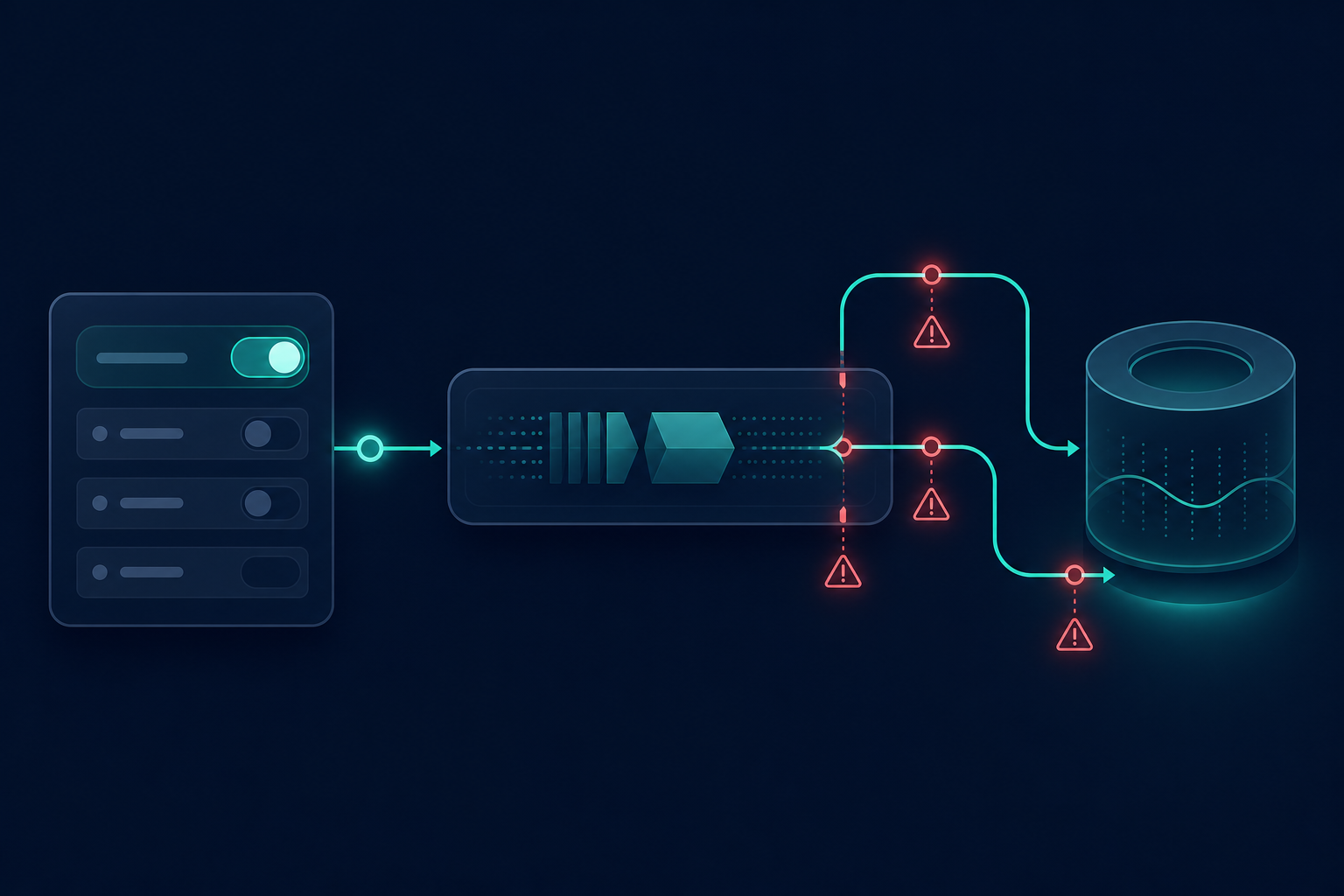
Talk to Lovable or Replit Agent and payments arrive as a conversation. Talk to v0 and you get UI plus a Marketplace install. Talk to Bolt and the product assumes you are willing to open a gear icon first. That is not a UX accident. Bolt’s Stripe integration is deliberately developer-visible: your products sync from a real Stripe account, your secret key lives in Settings, and the generated code is Supabase Edge Functions you can open and read.
That visibility is Stripe’s strength on Bolt as much as Bolt’s strength as a builder. You keep classic PSP economics, Dashboard-level products, and a scaffold that maps cleanly onto how Stripe expects Checkout and webhooks to work. The setup can take about ten minutes when the catalog already exists in Stripe. The architecture stays as visible as you left it. The fine print—four webhook failure modes, a single-provider ceiling, and Supabase coupling—is why this article exists as a Product guide rather than a Settings screenshot walkthrough.
If you are still framing whether a PSP is even the right economic model for global digital sales, start with MoR vs PSP. Bolt will not offer you a MoR alternative inside the panel. That absence is the first structural fact of the platform.
Mechanism: Settings Sync, Then Edge Function Scaffold
Bolt’s payment mechanism has two phases that must stay in order.
Phase one is account and catalog sync. Bolt’s Stripe integration requires Supabase or Bolt Database—Firebase is not supported because Stripe secret keys run inside Supabase Edge Functions. If the project has no database, Bolt prompts you to add one first. Authentication should exist so purchases attach to users. In the project, open Settings, find Stripe, paste your test secret key (sk_test_...), and click Retrieve my products. Bolt queries Stripe and imports active products with their real price IDs. You select which products the app will sell. That sync step is what makes the generated code usable immediately: the AI references real Stripe product IDs, not placeholders.
Phase two is generation. After products are applied, type “Add payments” in chat—or be specific: “Add Stripe checkout for Pro Plan at $29/month.” Bolt generates a checkout Edge Function (supabase/functions/create-checkout/index.ts), a webhook handler (supabase/functions/stripe-webhook/index.ts), React components for pricing and buy buttons, and database tables for customers, subscriptions, and payment status. Review the generated files and confirm price IDs match the catalog you synced.
Checkout session creation works in Bolt’s WebContainer preview because it is an outbound HTTP call. Webhook events cannot arrive in preview—the WebContainer has no stable public URL for Stripe to POST to. Deploy to Netlify or Bolt Cloud to test the full lifecycle. Going live means switching from sk_test_ to sk_live_ in Settings → Stripe, re-retrieving products for the live catalog, updating deployment environment variables, and creating a live webhook endpoint in the Stripe Dashboard that points at production—not at a preview host.
What Bolt does not have is equally part of the mechanism. There is no Paddle path, no built-in tax remittance workflow, and no Settings toggle to a second processor. Lovable can recommend Paddle or Stripe from chat; Bolt presents Stripe only. For a comparison of how other builders handle the same first dollar, see How to Add Payments to a Lovable App, How to Add Payments to v0 Apps, and How to Add Payments to Replit Apps—but treat those as orientation, not copy-paste architecture. Bolt’s ceiling is single-PSP plus Supabase-coupled Edge Functions: a security win that keeps secrets off the client, and a portability cost when you later need payment processing outside that runtime.
Decision Framework: When Built-in Stripe Is Enough
| Situation | Decision |
|---|---|
| First paid launch, single market, fastest Stripe setup | Built-in Stripe |
| Domestic-heavy SaaS or services, comfortable with classic PSP rates | Built-in Stripe |
| Need Paddle / MoR semantics for global digital sales | Not in Bolt — see Lovable hub or Clink |
| Multi-region soft declines, need processor failover | Plan Clink — see smart payment routing |
| Already on Stripe but hitting platform-coupled limits | Start built-in, schedule graduation |
If monthly volume stays in a region Stripe covers well and you do not need a second acquirer in year one, Bolt’s built-in path is almost certainly the right first step. If you already know multi-currency approval rates will matter, start the architecture conversation before the first churn spike—not after. Clink’s product model—portable billing over connected PSPs—is introduced in What Is Clink?; this Bolt article does not restate the install path.
Step-by-Step: From Test Key to Live Webhooks
Connect Supabase (or Bolt Database) and add authentication so a purchase can attach to a user identity. Create products and prices in the Stripe Dashboard in test mode if they do not exist yet—Bolt syncs; it does not invent a durable catalog from thin air. Copy sk_test_... from Stripe Dashboard → Developers → API keys. Do not paste a live key into Settings during the first pass.
In Bolt, open Settings → Stripe, paste the test key, retrieve products, select the ones you will sell, and apply the selection. Prompt for payments with enough specificity that the generated pricing UI matches your tiers. Open the generated Edge Functions and confirm price IDs. Run a preview checkout with 4242 4242 4242 4242 (any future expiry, any CVC). Expect the redirect to Stripe Checkout to work and expect webhooks to stay silent in preview—that silence is normal, not proof that fulfillment is healthy.
Deploy to Netlify or Bolt Cloud. In Stripe Dashboard, create a webhook endpoint on the production URL for the events your handler expects—at minimum the subscription and checkout events your tables update on. Add STRIPE_WEBHOOK_SECRET to the production environment and redeploy. Apply all four webhook fixes in the next section before you invite real users. When ready for live money, switch to the live key in Settings, re-retrieve products, update production secrets, point the live endpoint at production, and verify one full path: payment → webhook → subscription row → entitlement.
Moat: Four Webhook Failure Modes on Bolt-Built SaaS
Bolt generates a Stripe integration that looks correct in a file tree review. Checkout works because Stripe hosts it. The webhook that should activate a subscription often fails quietly. Users see a successful charge and an unchanged plan. Afterbuild Labs, which rescues production payment integrations across AI-built apps, has called this pattern the most common support ticket on Bolt-built SaaS (April 2026). These four modes are Bolt’s distinctive production tax—fix them once, document them in your runbook, and treat any charge-without-access report as this checklist before you invent a fifth theory.
1. Body parsed as JSON before signature verification
Stripe signs webhook payloads over the raw request bytes. The correct Edge Function pattern reads the body as text, then passes that exact string into stripe.webhooks.constructEvent (or the async equivalent your runtime requires) with the stripe-signature header and your endpoint secret.
Bolt’s default scaffold frequently parses JSON first, then attempts verification against JSON.stringify(body). That reconstructed string is not the original byte sequence. Signatures fail every time, even when the secret is correct and the Dashboard shows deliveries. The symptom is confusing: Stripe may retry, your logs show verification errors, and checkout still looked perfect to the buyer. Fix by forcing a raw-body read before any JSON.parse, and never re-serialize for verification.
// Correct — verify over raw bytes
const body = await request.text();
const event = stripe.webhooks.constructEvent(body, signature, secret);

// Wrong — common scaffold pattern
// const body = await request.json();
// event = stripe.webhooks.constructEvent(JSON.stringify(body), signature, secret);
2. STRIPE_WEBHOOK_SECRET missing in production
Bolt provisions a workable test story more readily than a complete production secret story. The signing secret (whsec_...) for the production endpoint is not the same as a test endpoint secret, and it does not teleport into Netlify or Bolt Cloud when you flip sk_test_ to sk_live_.
Open Stripe Dashboard → Webhooks → your production endpoint → reveal the signing secret. Store it as STRIPE_WEBHOOK_SECRET (or the exact name your generated handler reads) in the deployment platform’s environment variables. Redeploy so the Edge Function runtime actually sees the value. A missing or mismatched secret produces the same class of verification failures as the JSON-before-signature bug, which is why teams fix one and still see the other.
3. Webhook URL still points at a StackBlitz preview
During development it is tempting to register whatever URL is currently running. Preview hosts under stackblitz.io (or ephemeral WebContainer URLs) go cold. Stripe keeps retrying a dead endpoint for up to three days while your production app never receives checkout.session.completed or subscription events.
Delete the preview endpoint in Stripe Dashboard. Create a new endpoint at your stable production path—for example https://your-app.netlify.app/functions/v1/stripe-webhook or whatever URL your deployed function exposes. Confirm with Stripe CLI forwarding during a staging deploy if you need a middle ground. The rule is simple: if the hostname is not the hostname paying customers use, it is not a production webhook URL.
4. Missing idempotency under Stripe retries
Stripe retries webhooks when your endpoint is slow, returns non-2xx, or is temporarily unreachable. Retries are a feature. Without idempotency they become duplicate side effects: two entitlement grants, two welcome emails, or worse—duplicate subscription mutations if your handler creates resources instead of updating by Stripe object id.
Create a processed_webhook_events table (or equivalent) with event_id as the primary key. Insert the event id at the start of processing; if the insert conflicts, return 200 and stop. For outbound Stripe API calls that create resources, pass { idempotencyKey: event.id } (or a stable derivative) so network retries do not double-create. Idempotency is the difference between “we handled a retry” and “we charged the business logic twice.”
These four fixes turn a scaffold that looks correct into one that works under retry pressure. The time investment is usually under an hour. Skipping any one of them means real users can pay for features they never receive—the exact failure mode Bolt teams report most often.
Beyond Bolt: Graduation Signals Unique to This Stack
Graduate when these Bolt-specific signals appear—not when a generic “scale” slide says so.
First, you need a Merchant of Record path and Bolt still has no Paddle (or other MoR) toggle, so tax and seller-of-record work is piling up outside Stripe. Second, Supabase Edge Function timeouts or rate limits start shaping your webhook design, and you cannot move payment processing off that runtime without a rewrite. Third, StackBlitz-to-production webhook drift has already caused at least one silent activation outage, and you want endpoint lifecycle owned by billing infrastructure rather than a Dashboard tab you remember to update. Fourth, multi-region soft declines are costing renewals that a single Stripe account cannot recover—see smart payment routing. Fifth, you need subscription and catalog data that survives leaving Bolt’s generated scaffold entirely.
For the full Clink skills, CLI, catalog, and webhook path, follow How to Add Payments to a Lovable App.
Bolt-Specific Pitfalls (Beyond the Four Modes)
You deployed to Netlify but never updated the webhook URL—Stripe’s Dashboard still points at a dead preview host, retries fail, subscriptions never activate. Fix by deleting the old endpoint, creating one on the production domain, and verifying with Stripe CLI.
You shipped without testing webhook replay. Use stripe trigger checkout.session.completed (or CLI forward) and demand one clear story in logs: one 200, one subscription activation, one row in the processed-events table. If you see anything else, the scaffold is not production-ready.
You treated “Retrieve my products” as optional and let the AI invent placeholder price IDs. Checkout may open; fulfillment will not match your Dashboard. Re-retrieve and regenerate when IDs drift.
Conclusion
Bolt.new’s native Stripe integration is the fastest single-provider on-ramp in the vibe-coding ecosystem: Settings panel, product sync, one prompt, minutes to Checkout. Stripe’s strengths—real product IDs, Dashboard control, and a transparent Edge Function scaffold—are why that on-ramp works. For a first paid launch in a single market, it is the rational default.
The question is not whether it works. The question is how long one processor, one database, and one webhook contract cover the product. When they do not, graduate to infrastructure you control—starting from the Clink path on the Lovable hub article—rather than another Settings toggle you will outgrow. To map that graduation against your Bolt stack, Contact Sales via clinkbill.com.