
TL;DR
- You can add payments to a Lovable app three ways: built-in Paddle (MoR-oriented global digital), built-in Stripe (PSP economics and control), or Clink as portable payment infrastructure when you need multi-PSP routing, durable subscription data, or agent-assisted integration via clink-integ-skills.
- Lovable’s chat-driven payments require Pro (or higher), Lovable Cloud, and one built-in provider per project; switching providers does not migrate catalog or subscriptions (Lovable payments docs).
- Paddle fits international digital catalogs that want MoR-style tax handling; Stripe fits domestic-heavy or services volume and teams that want processor-level control—see MoR vs PSP.
- This article is the canonical Clink integration guide for vibe-coded apps; Bolt, v0, and Replit link here for the full Path C setup.
- Stripe-only Lovable walkthroughs (built-in vs legacy, go-live) live in Integrate Stripe with Lovable—this page owns the three-path decision and the complete Clink skill flow.
Why Lovable Apps Need Payments Early
Most Lovable projects start as a prompt and a preview. The hard part is not the first screen—it is the first charge. Without a paywall, subscription tier, or one-time purchase, the app stays a demo. With payments, it becomes a product: entitlements map to users, renewals fund iteration, and failed charges become a support problem you must design for.
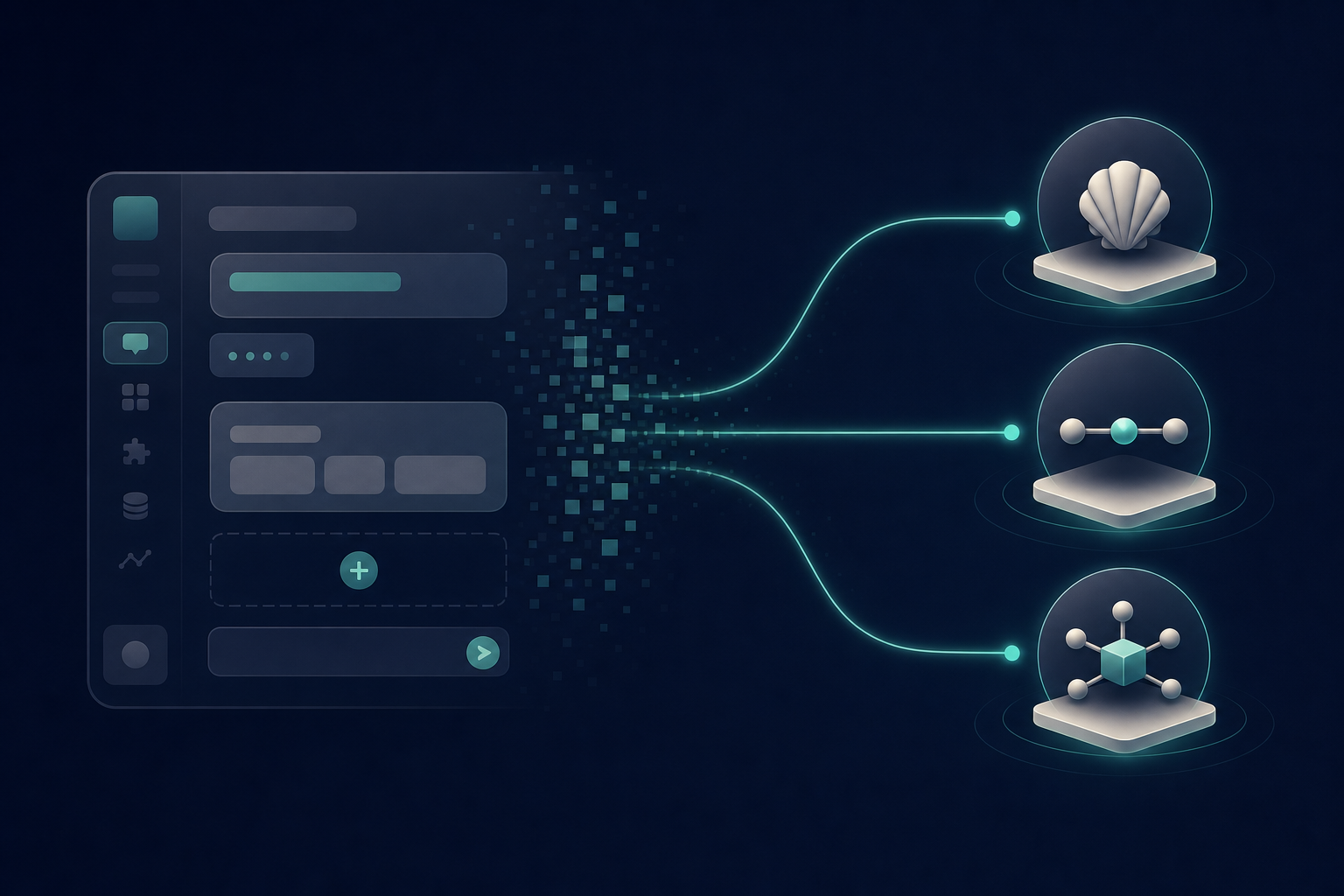
Builders search “how to add payments to a Lovable app” because they want a path that matches how they already work—chat-driven setup, test cards in preview, go-live when the domain looks real—without pretending every SaaS will stay on a single provider forever. Lovable’s answer is built-in payments powered by Paddle or Stripe. Clink’s answer is different: treat the builder as the UI factory, and treat payment infrastructure as a separate, portable layer you can grow into. For what that infrastructure layer is, see What Is Clink?.
Path A: Built-in Payments with Paddle (MoR)
If Lovable recommends Paddle, it is usually because you sell digital products or software to a global audience and want Merchant of Record semantics. Paddle acts as the legal seller for many tax and compliance workflows: you focus on plans and entitlements; the MoR path absorbs more of the cross-border tax and support surface. Lovable’s comparison table lists Paddle at 5.0% + 50¢ per transaction with no monthly fee (as documented on docs.lovable.dev/features/payments as of mid-2026) and calls out MoR benefits for global digital catalogs.
Paddle is a strong default when your ICP is international SaaS users, your catalog is digital-only, and you would rather not stand up tax registrations in every market on day one. That is a real advantage—not a consolation prize. The trade-off is familiar: higher all-in rates than many domestic PSP flows, and invoice or statement identity that follows the MoR model rather than a pure “your brand on every descriptor” PSP setup. Deepen that fork in MoR vs PSP.
Inside Lovable, Paddle checkout can run as an overlay or inline embed. Customer portal features—cancel, update payment method, invoices—come from the provider’s hosted portal. You still need authentication so purchases attach to users, and you still need to test renewals, trials, and failed payments in preview before go-live. MoR speed does not remove entitlement design; it removes much of the registration project that would otherwise block launch.
Path B: Built-in Payments with Stripe (PSP)
Stripe through Lovable is the PSP path. You stay closer to a classic processor relationship: lower processing costs for many domestic card flows, support for services as well as digital goods, and optional MoR-style options on Stripe’s side where available. Lovable documents Stripe as using standard Stripe pay-as-you-go rates when connected through the built-in flow—same economics as wiring Stripe yourself, with Lovable handling schema, webhooks, and chat-driven setup (Stripe integration docs).
Choose Stripe when early revenue concentrates in markets Stripe covers well, when you sell services (not only digital downloads), or when you want finer control over merchant identity and processor-level configuration. Checkout in Lovable’s Stripe path is embedded on the page; visual tweaks and payment-method configuration live in the Stripe Dashboard rather than in Lovable chat. For claim-sandbox, legacy Supabase, testing, and go-live detail, use the dedicated deep dive: Integrate Stripe with Lovable.
The architectural constraint that matters for graduation: Lovable allows only one built-in provider per project. You can switch from Paddle to Stripe (or the reverse), but products, prices, and subscriptions do not migrate. That limitation is fine for a first launch. It becomes expensive the moment you need a second acquirer, a backup route for soft declines, or billing logic that must survive a provider change—exactly when smart payment routing becomes relevant.
Path A vs Path B: How Lovable Helps You Choose
When you ask Lovable to add payments, it analyzes the project and either shows both providers or recommends one based on what you sell and where providers’ policies apply. Eligibility for built-in payments centers on digital products and software—SaaS tiers, premium features, memberships, digital downloads, developer tools with usage-based plans. Physical goods lean Shopify or Stripe-backed flows with separate inventory handling.
Operational requirements are non-negotiable: Pro plan or higher, Lovable Cloud (built-in backend for webhooks and subscription data—not your own external Supabase project), authentication recommended, and admin or owner permissions to set up or disconnect payments. Setup splits into test (preview, test cards, no real money) and live (verification, readiness check, published app). After go-live, test and live stay separate environments with their own catalogs and histories; publishing syncs catalog changes from test to live.
Those rules make built-in payments excellent for shipping the first dollar. They also define the graduation line: one provider, Cloud-coupled webhooks, and no multi-PSP failover story. If your roadmap includes multi-region approval rates, portable subscription data, or agent-driven catalog import, you are looking past the built-in toggle—toward infrastructure.
Path C: Add Clink When You Outgrow a Single Provider
Canonical Clink integration. Sibling guides for Bolt, v0, and Replit should link here for skills, CLI, catalog, and webhook setup—not restate this section.
Clink is not a Lovable plugin that replaces the chat “add payments” button. It is a payment infrastructure layer: you integrate Clink once for products, prices, checkout sessions, subscriptions, and webhooks; Clink can route to connected processors (including Stripe and others) while keeping billing data independent of any single PSP. That is the same “connect once, route anywhere” thesis in What Is Clink? and the revenue-recovery logic in smart payment routing.
For Lovable and other agent-built apps, the practical entry point is open-source clink-integ-skills. It is designed so a coding agent—not only a human dashboard operator—can integrate ClinkBill payments in a CLI-first workflow: Secret Key authentication, product catalog import, checkout or subscription APIs, webhook endpoint automation, signature verification, and sandbox validation. The default agent prompt is intentionally short:
Use $clink-integ-skills to integrate ClinkBill payments into this project with clink-integ-cli, Secret Key setup, product catalog import, checkout/subscription APIs, webhook endpoint automation, and sandbox validation.
Install into a Codex-compatible skills directory (or ask your agent to install from the repo):
mkdir -p ~/.codex/skills
git clone https://github.com/clinkbillcom/clink-integ-skills.git /tmp/clink-integ-skills
cp -R /tmp/clink-integ-skills ~/.codex/skills/clink-integ-skills
In browserless, cloud IDE, or low-code environments, provide a sandbox Secret Key once, then configure the bundled offline CLI (vendor/clink-integ-cli/clink-integ-cli—no npm install during normal skill use):
export CLINK_INTEG_CLI=/absolute/path/to/clink-integ-skills/vendor/clink-integ-cli/clink-integ-cli
export CLINK_SECRET_KEY=sk_test_xxx
node "$CLINK_INTEG_CLI" auth secret set --api-key env:CLINK_SECRET_KEY --env sandbox
node "$CLINK_INTEG_CLI" auth status --json
From there, the agent can scan your project for plans and prices, write a deterministic clink-catalog.json, run catalog validate / plan / import, design server-side checkout and subscription routes, and register webhooks with:
clink webhook endpoint ensure \
  --url https://api.myapp.com/api/clink/webhook \
  --events core \
  --save-secret \
  --sync-env-file .env.local \
  --json
After --save-secret, sync CLINK_WEBHOOK_SIGNING_KEY into the app runtime and restart. Treat sandbox as the default environment until you explicitly promote to production. Official API contracts should be checked against docs.clinkbill.com (the skill’s docs loader uses the published llms export rather than inventing endpoints).
What you gain versus staying on Lovable’s single built-in provider: portable catalog and subscription models, a single webhook contract, optional multi-PSP routing later, and an agent-native integration path that matches how Lovable apps are already built—by prompting an agent. Clink does not remove entitlements logic in your app; it gives that logic a durable payment backend. Pricing remains Contact Sales; there is no public self-serve rate card on the marketing site as of mid-2026 (C1).
Decision Framework: Which Path Fits Your App
Use this matrix before you type “add payments” into Lovable chat—or before you install clink-integ-skills.
| Situation | Prefer |
|---|---|
| First paid launch, digital SaaS, global buyers, want MoR-style tax handling | Built-in Paddle |
| First paid launch, domestic-heavy or services, want classic PSP economics | Built-in Stripe |
| Already on Lovable payments and happy with one provider | Stay built-in |
| Need multi-PSP failover, portable billing, or agent-driven catalog/webhook automation | Clink + integ skills |
| Need MoR simplicity now and multi-PSP routing later | Start built-in for speed, plan Clink graduation; do not assume automatic migration |
Honest edge cases: Free plan cannot use built-in payments until you upgrade. Projects on your own Supabase instead of Lovable Cloud cannot use the built-in toggle—Clink or a manual provider integration becomes relevant sooner. A weekend experiment with a single Payment Link may not need any of this; the framework matters when renewals and entitlements are core product. Builders on other vibe-coding platforms should read the platform-specific quirks in Bolt, v0, and Replit, then return here for Clink Path C.
Step-by-Step: From Prompt to First Test Charge
Built-in Paddle or Stripe (Lovable path). Confirm Pro (or higher), enable Lovable Cloud if prompted, and add authentication so purchases attach to users. Open Payments or ask in chat to add payments and follow Lovable’s provider recommendation. Create products and prices in test mode; complete a purchase with documented test cards (for example 4242 4242 4242 4242 for success—see Lovable’s payments docs). Verify entitlements grant access, cancellations keep access until period end, and failed renewals prompt payment-method update rather than instant lockout. Complete the go-live checklist (provider verification, custom domain recommended, readiness check), then publish so catalog syncs to live.
Clink path (agent + integ skills). Create or obtain a sandbox Secret Key from Clink’s Merchant Dashboard (Developers → API Keys) and store it as CLINK_SECRET_KEY—never paste production secrets into chat or public repos. Install clink-integ-skills and prompt your coding agent with the skill’s default integration sentence. Let the agent import catalog, scaffold checkout and subscription routes, and run webhook endpoint ensure with signing-secret sync. Smoke-test in sandbox: checkout session → webhook signature verify → local order and entitlement updates (do not treat HTTP 200 alone as paid). When ready for production, follow Clink’s production promotion path via Contact Sales; keep sandbox as the place you break things first.
You can run these as sequential eras of the same product: ship on Lovable built-in, then re-platform billing to Clink when single-provider limits show up in revenue or engineering time. There is no free automatic migration of Paddle or Stripe subscriptions into Clink—plan a cutover like any billing migration.
Common Pitfalls
Builders lose days on the same mistakes. Creating webhooks manually in Paddle or Stripe while Lovable (or Clink’s CLI) already registered endpoints causes double fulfillment. Revoking access the moment a subscription is canceled instead of honoring the paid period creates support debt and chargebacks. Switching Lovable’s built-in provider and expecting catalog and subscriptions to follow fails by design. Going live on a *.lovable.app domain without a custom domain slows provider review when a real brand URL is expected. On the Clink side, saving a webhook signing secret in the CLI profile but never syncing CLINK_WEBHOOK_SIGNING_KEY into the deployed runtime makes verification fail until you sync and restart.
Treat entitlements as application state owned by your backend (or Cloud functions), with the payment provider or Clink as the source of payment truth. Match orders with both merchant reference and session identifiers when both exist. Idempotency and out-of-order webhooks are not optional once real money moves.
Conclusion
The durable lesson is not which toggle you click first—it is refusing to treat that first provider as forever architecture. Ship where Lovable is strongest; when renewals, regions, and processors multiply, move the payment layer to infrastructure you control. Clink—with clink-integ-skills for agent-assisted setup—is built for that graduation: one integration surface, portable billing, and room to route beyond a single PSP.
To evaluate Clink for your stack, Contact Sales via clinkbill.com or start with the docs Quickstart at docs.clinkbill.com.